3 Desk Posture Mistakes That Are Ruining Your Back
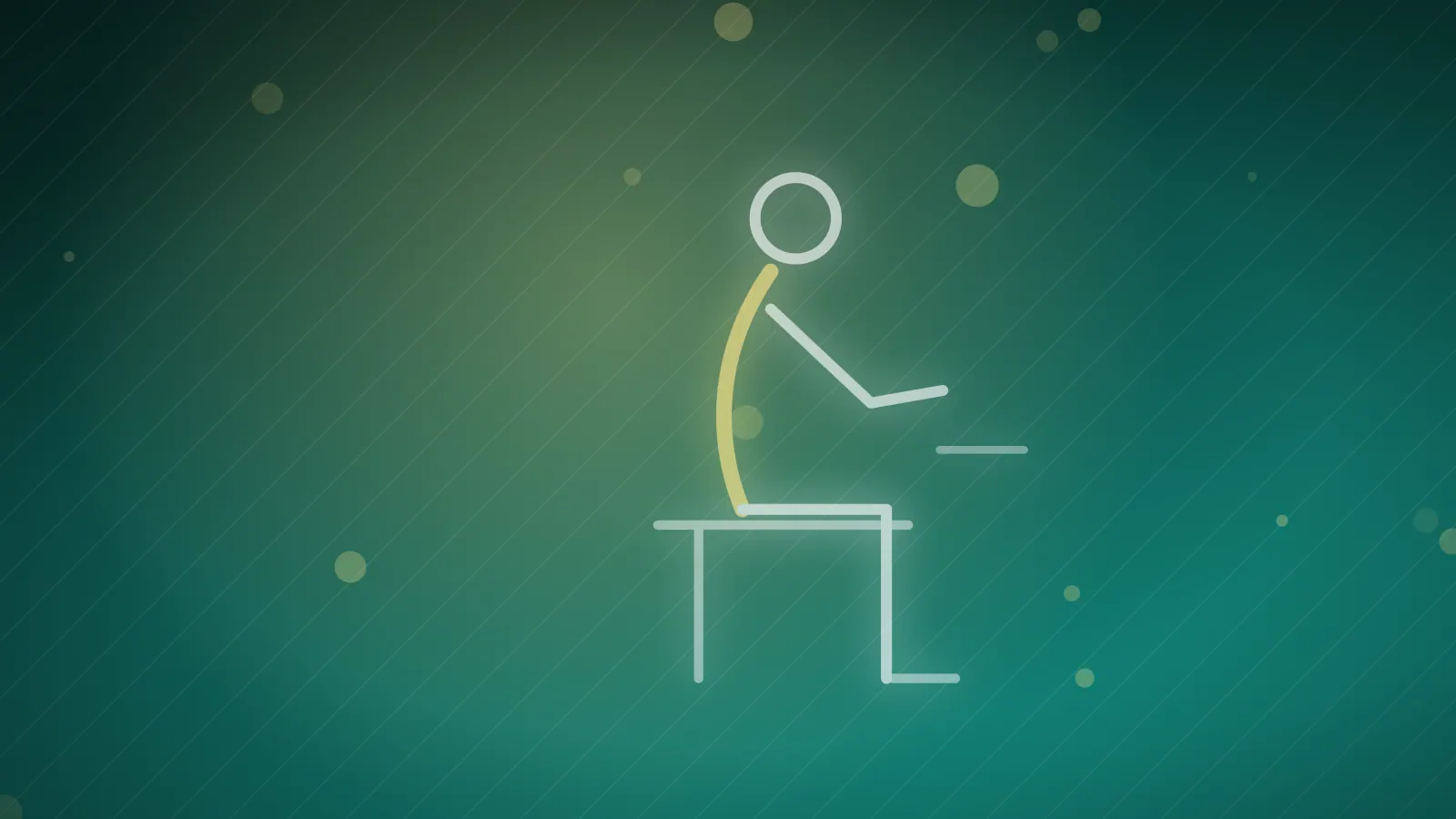
Most desk workers will feel their back giving way at some point, and often because of the same three mistakes. Dr. Amr Elyamany explains them, and how to correct them.
The mistake
The chair is too low, the screen sits below eye level and the shoulders are hunched forward. Stay in this position for hours and it causes neck tension, lower back pain and numbness in both hands.
Three fixes
- Raise the screen to eye level so the neck does not have to carry extra load.
- Use a chair with lower-back support, or place a small cushion behind your back to keep it straight while you work.
- Move every half hour: stand up, straighten your back and walk around the office, even for just two minutes, to get the muscles working.
What to expect
After about a week of these changes, the back and neck pain gradually reduce and may even disappear completely.
Key takeaway: Screen at eye level, back supported and a two-minute break every half hour: your body will thank you.
When to see a doctor
- Neck or back pain that persists even after fixing your desk setup
- Numbness or tingling in the hands or arms
- Pain that spreads down an arm or a leg
Need advice about your own case? Book a consultation with Dr. Amr Elyamany in Dubai.
This article is for general education and does not replace an in-person medical examination. If you have symptoms, please consult a qualified doctor.